Completing tasks using WebForms
Tasks are shown in the Tasks tab on the webForms page of the server.
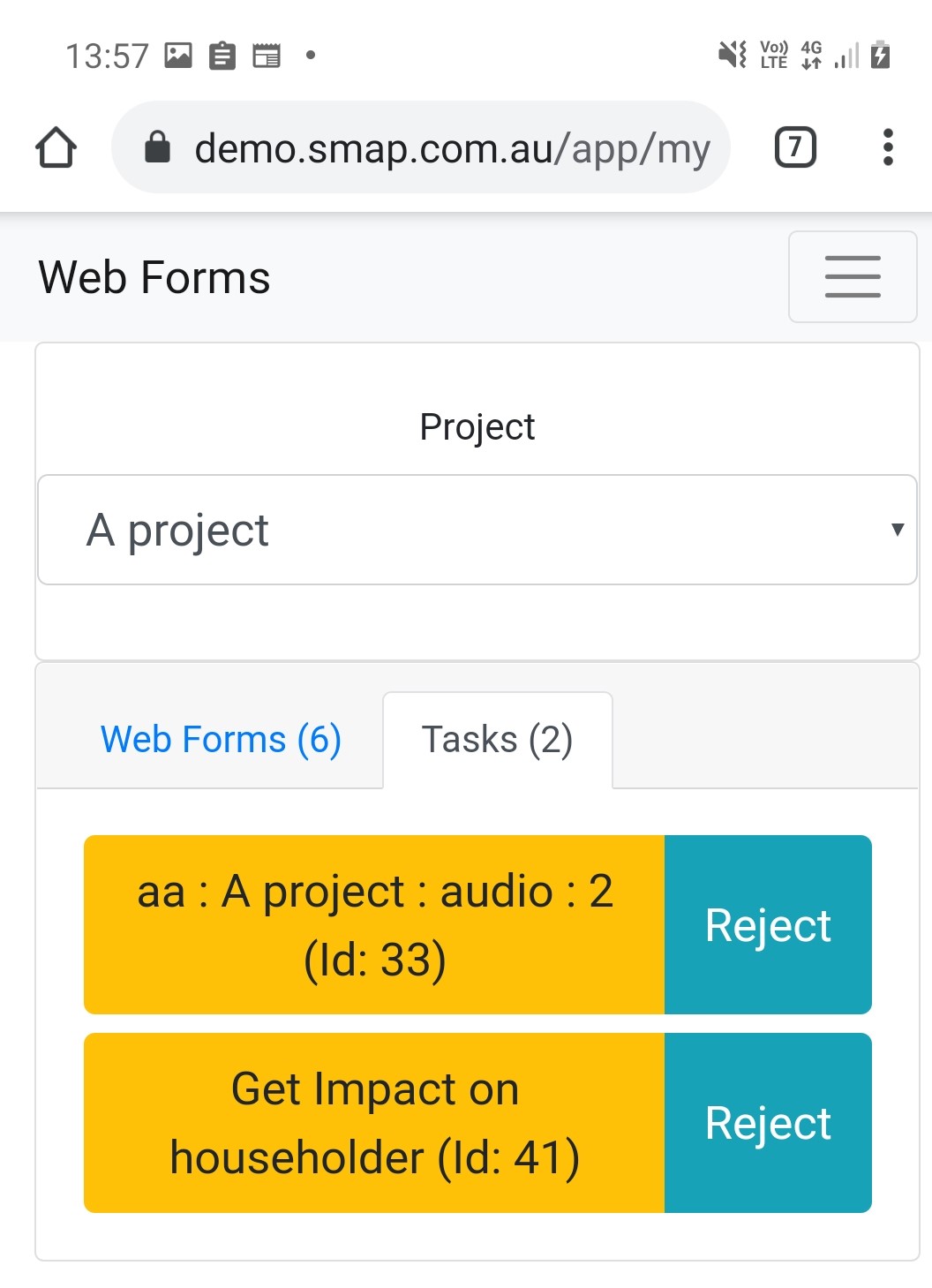
Task Tab in web forms with two tasks displayed.
Click the task name to open it. Use the "..." menu to Accept a task that has been offered to you or to Reject one that you cannot do. A rejected task is shown in red and can no longer be opened.